Step 01
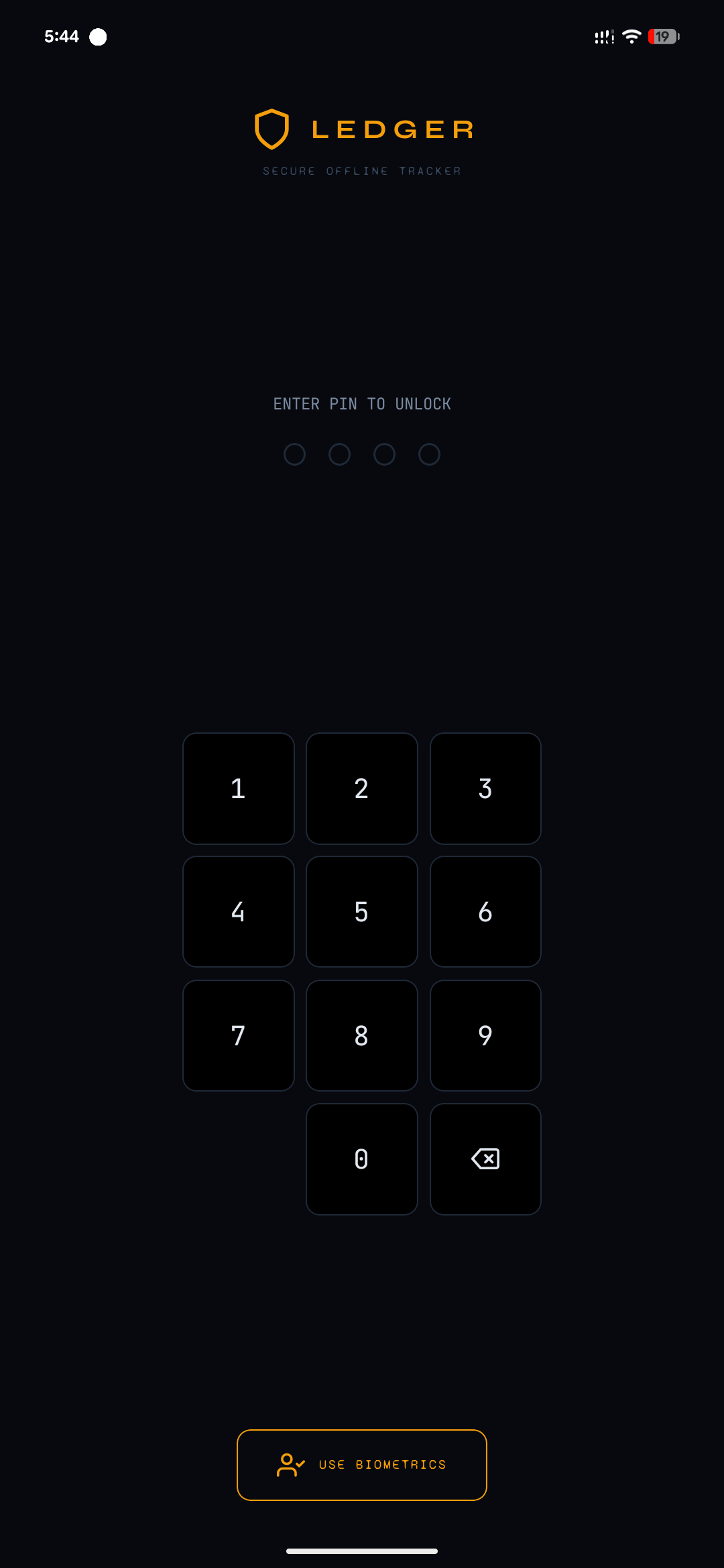
Unlock the app
Access begins with the lock screen. The app is intended for private use, so entry is guarded before the financial dataset is shown.
 LEDGER
LEDGER is organized around short, repeatable actions: unlock the vault, record a transaction, inspect history, monitor analytics, and maintain a backup path.
Access begins with the lock screen. The app is intended for private use, so entry is guarded before the financial dataset is shown.
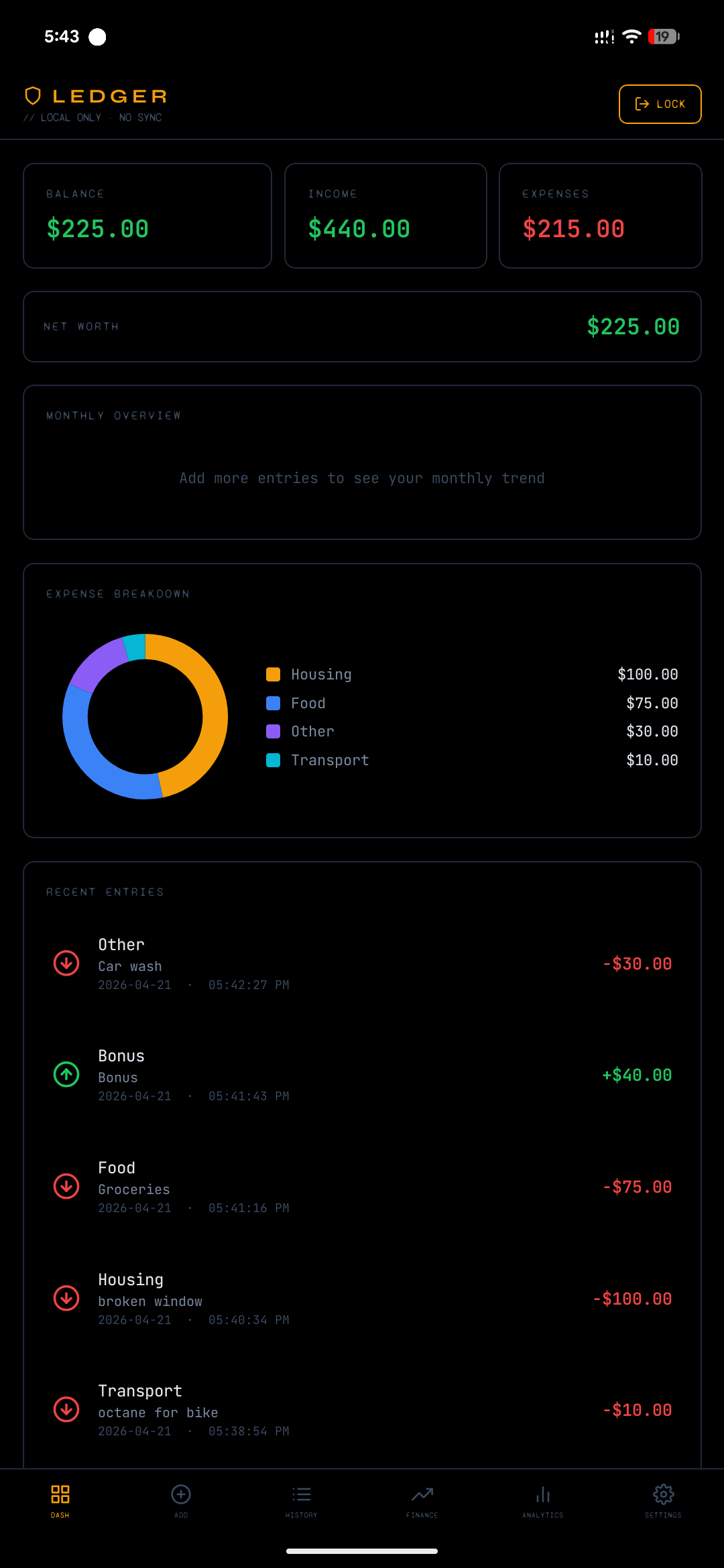
The dashboard surfaces the current state of your records and acts as the central operational view for quick assessment.
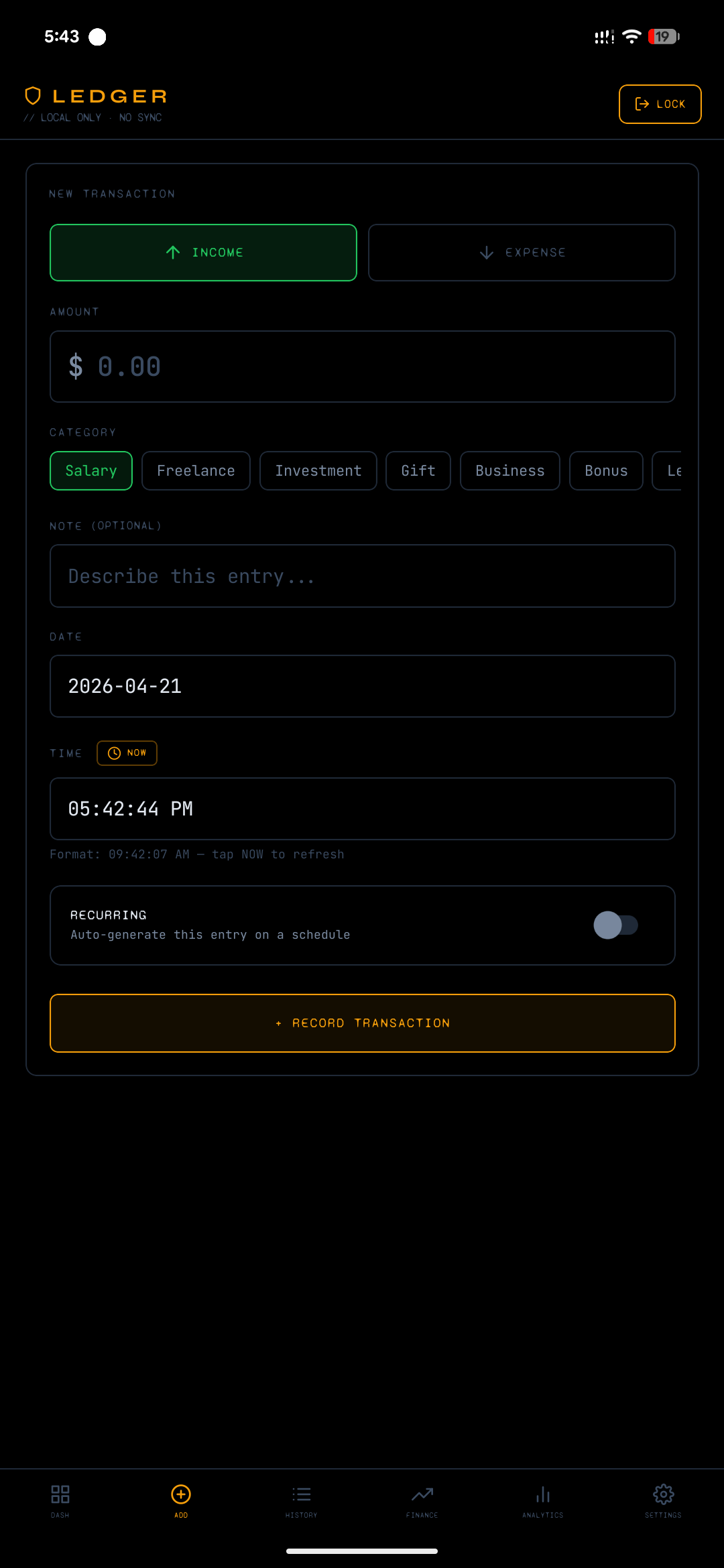
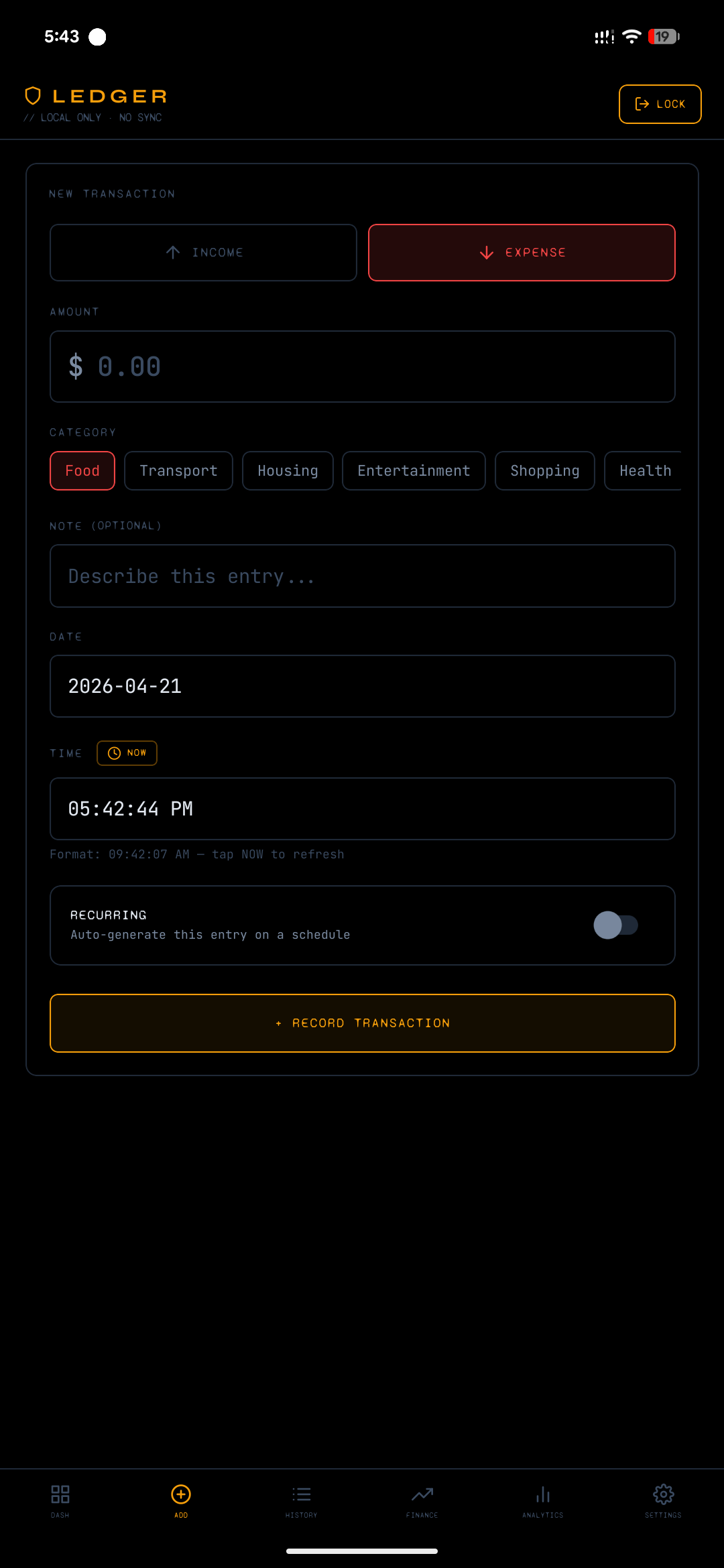
Use the dedicated entry screens to keep capture fast and specific rather than forcing every action through a generic form.
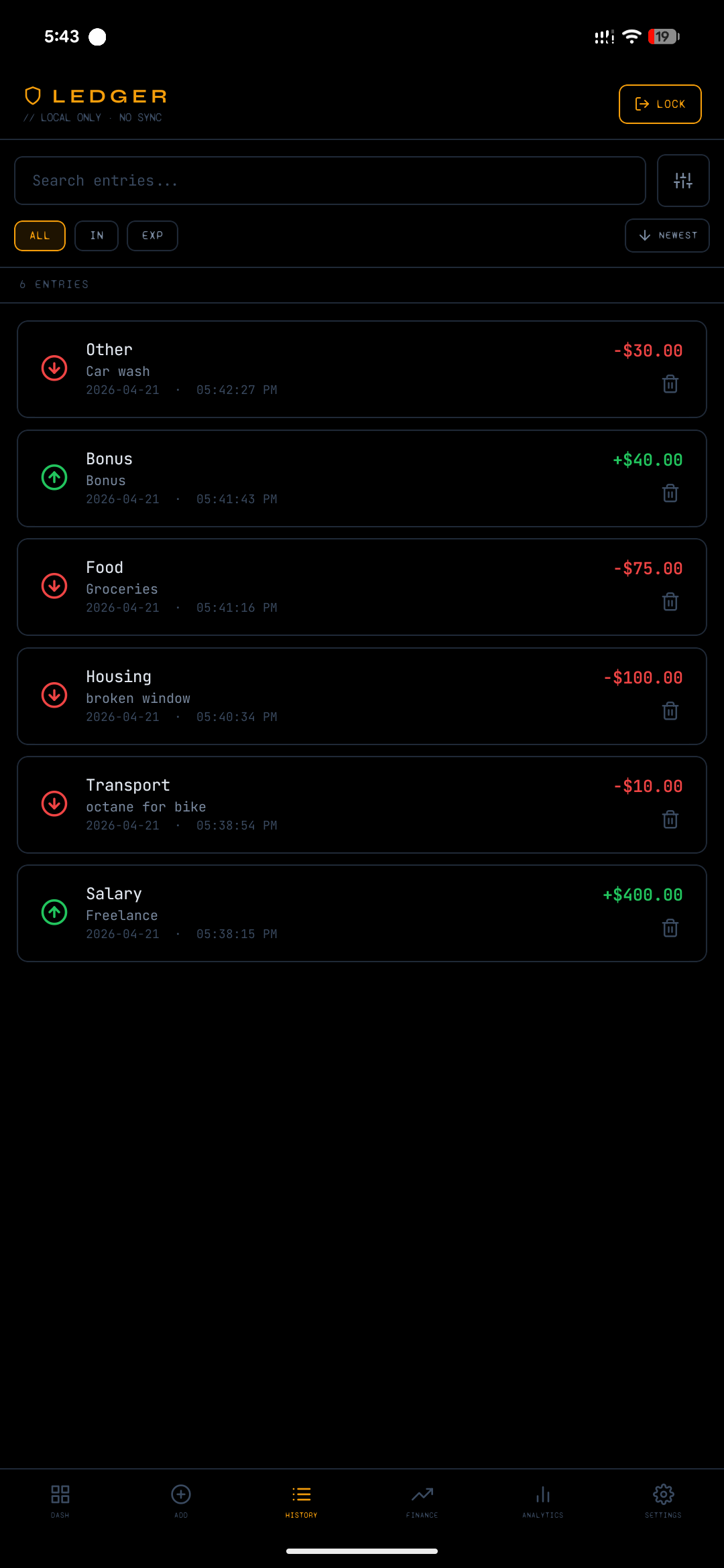
Review previous records, verify category usage, and track chronological activity through the history surface.
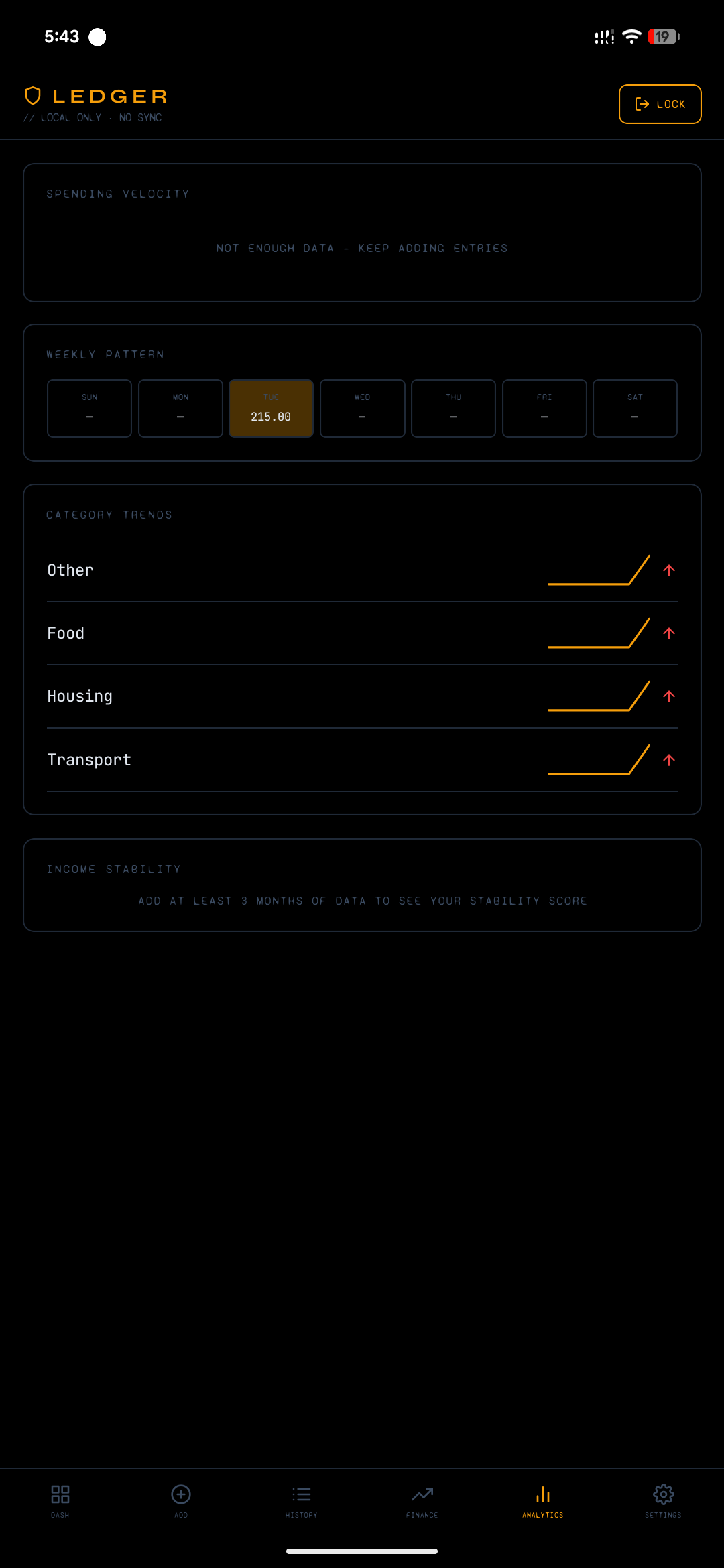
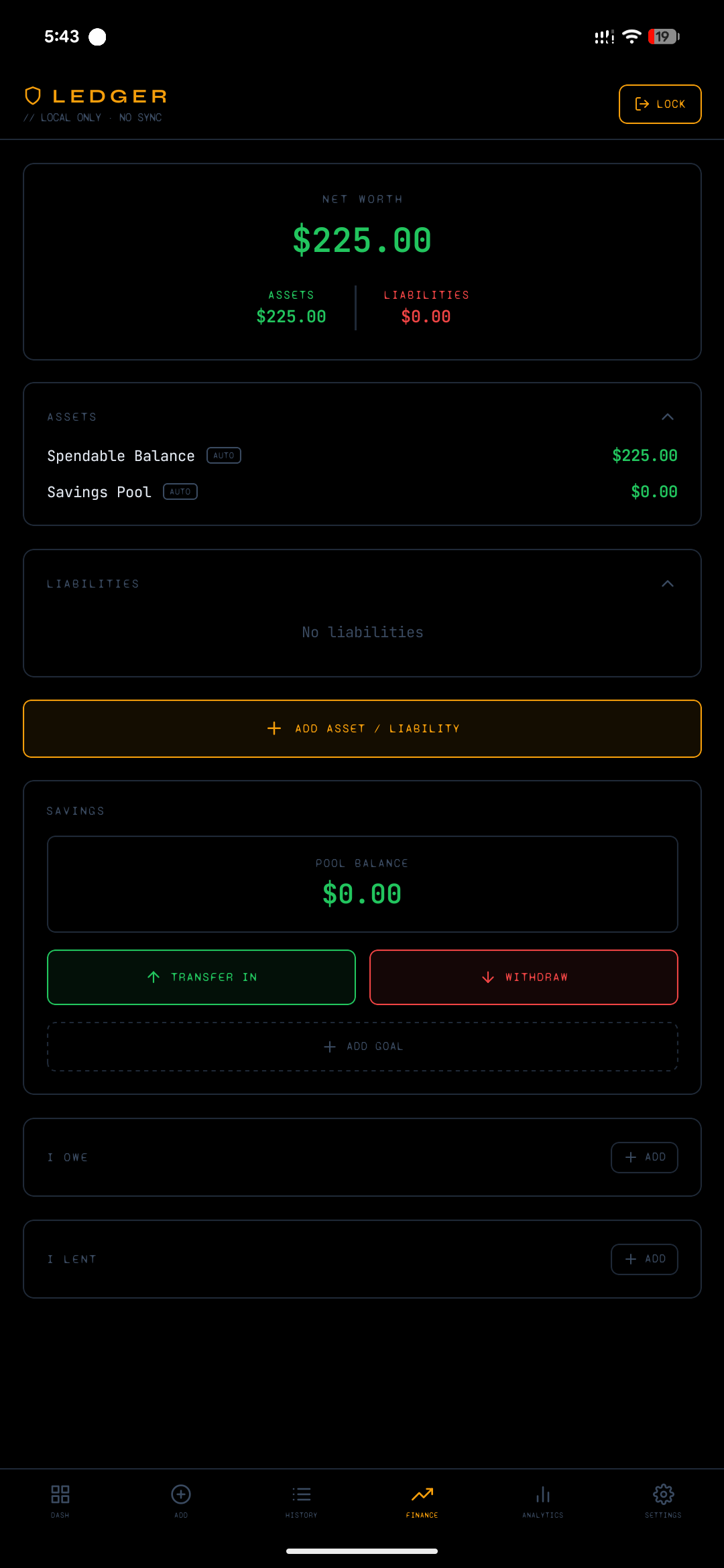
Analytics and finance views help convert raw entries into usable signals, from trend inspection to broader financial context.
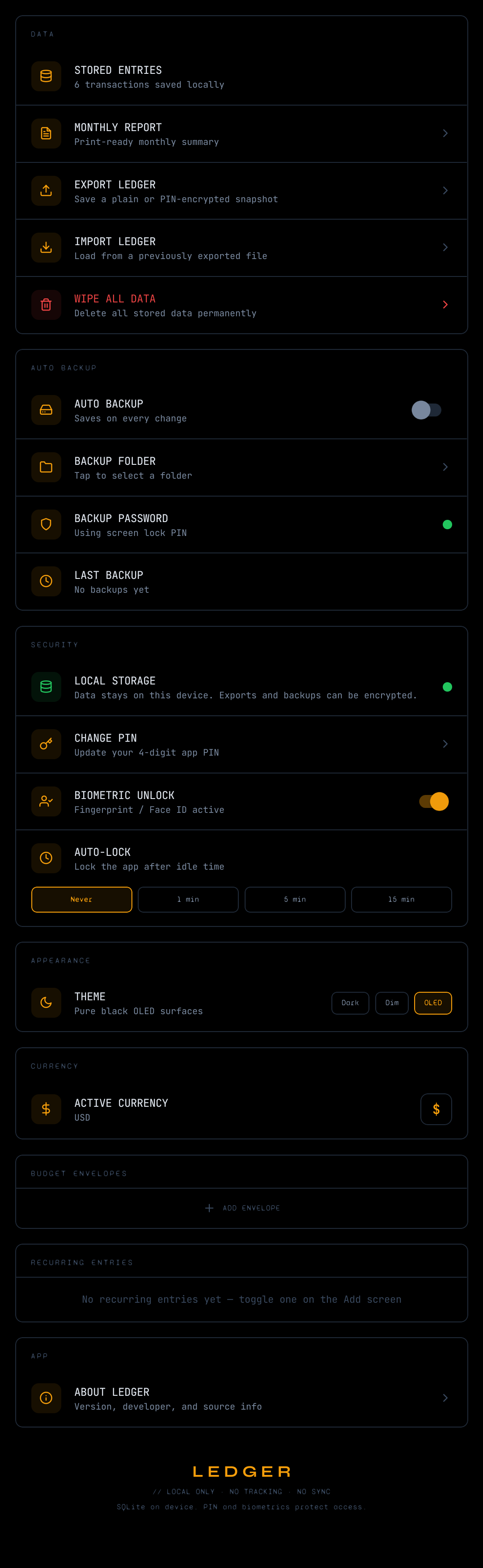
Settings provides the operational control center for export, backup path selection, app preferences, and maintenance tasks.